
More power and increased efficiency with XenServer 8.4
Take your server virtualization platform to the next level. XenServer 8.4 is now supported for production use, including Windows 11.
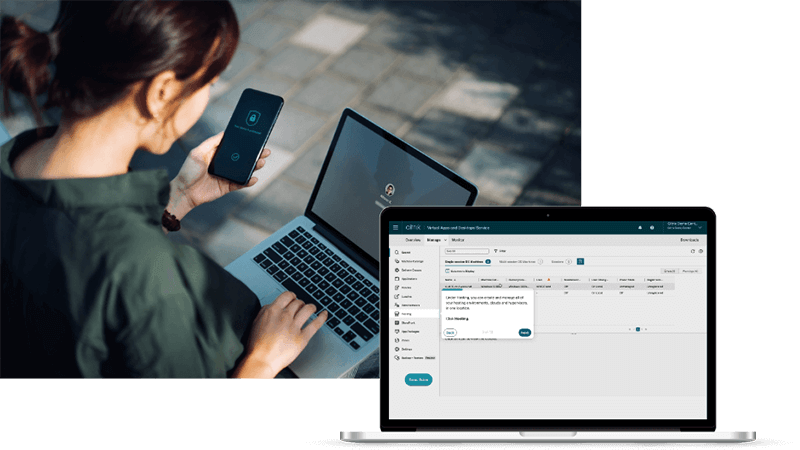
Transition from Citrix Hypervisor to XenServer, on us!
XenServer is now an entitlement of the Citrix for Private Cloud, Citrix Universal Hybrid Multi-Cloud, and Citrix Platform License subscriptions for running your Citrix workloads.
Citrix customers that have not yet transitioned to these new subscriptions can participate in our special promotion and receive 10,000 XenServer Premium Edition socket licenses for free.
XenServer Blog
Stay up-to-date with the current articles, practical tips and best practices from XenServer.
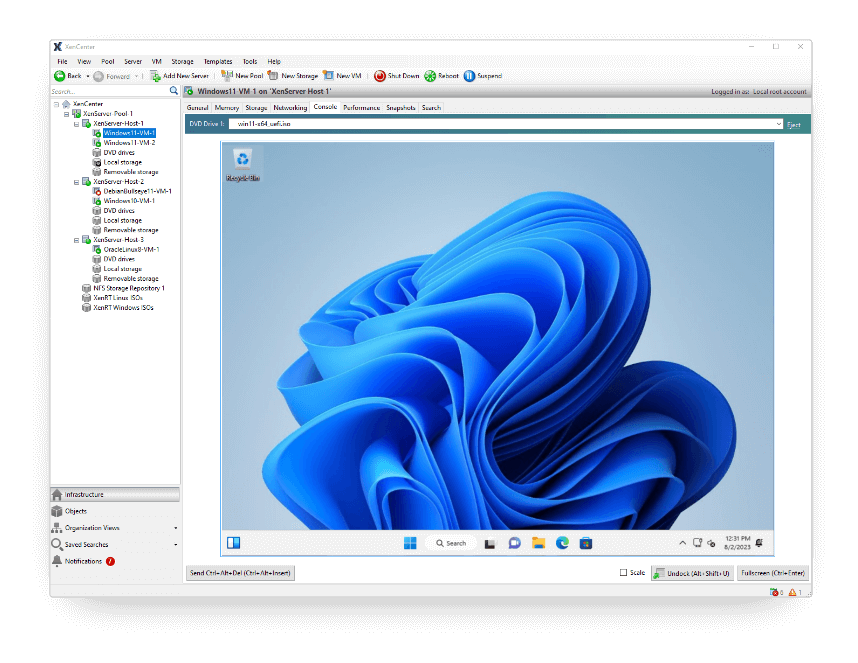
Experience all the power of XenServer 8.4 for yourself, with the new Trial Edition

Get started with XenServer