

Download the Citrix Workspace App
Citrix Workspace app is the easy-to-install client software that provides seamless secure access to everything you need to get work done.
We've recently updated our Privacy Statement, available here
ANNOUNCING
The partnership will deliver innovation to millions of people through joint cloud solutions and generative AI.
With over 4,300 healthcare customers worldwide, Citrix is the leader in delivering secure, scalable, and resilient solutions to healthcare customers for over 3 decades.
With the Citrix platform, financial services institutions including banks, brokerages, investment firms, and insurance companies can provide employees and customers with instant secure access to apps and data on any device.
Citrix solutions for Government enable you to manage and optimize Citrix workloads from a cloud-based management portal, regardless of whether they are running on a government-grade cloud offering or your on-premises environments.
Explore new use cases made possible with Citrix and NetScaler
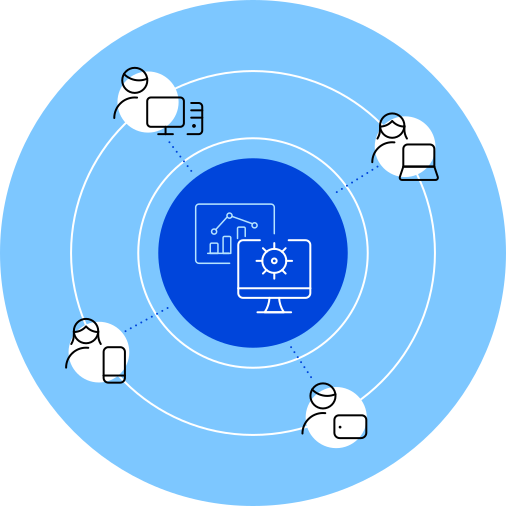
Support distributed workforces by centralizing the management of apps to any device
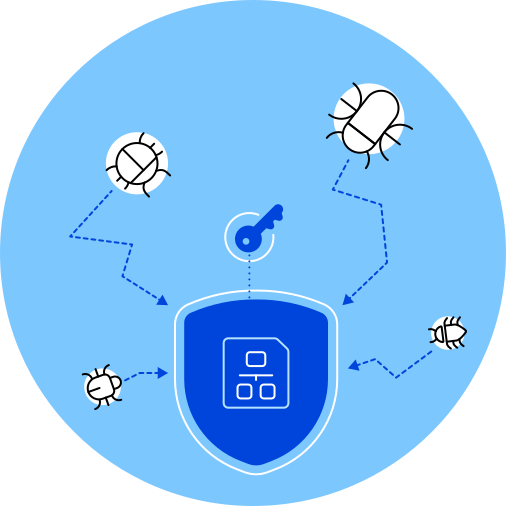
Adapt access based on device posture and risk factors, without compromising on user experience
Seamlessly extend your existing Citrix and NetScaler infrastructure to provide zero trust app access for SaaS and web applications
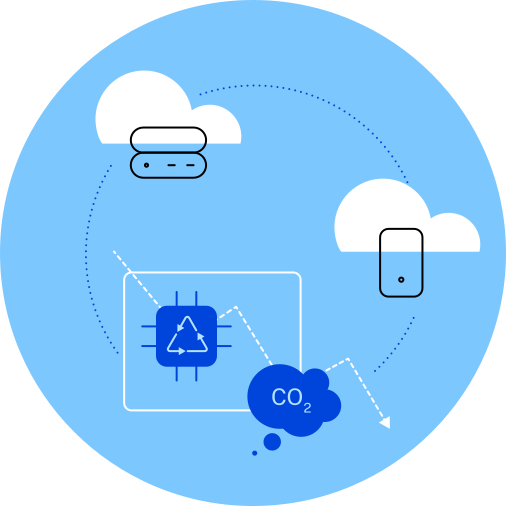
Reduce e-waste and carbon emissions with Citrix hybrid multi-cloud solutions
Rapidly deploy IT resources, grant and revoke access to employees as needed



Explore all the additional downloads we have available for Citrix customers.