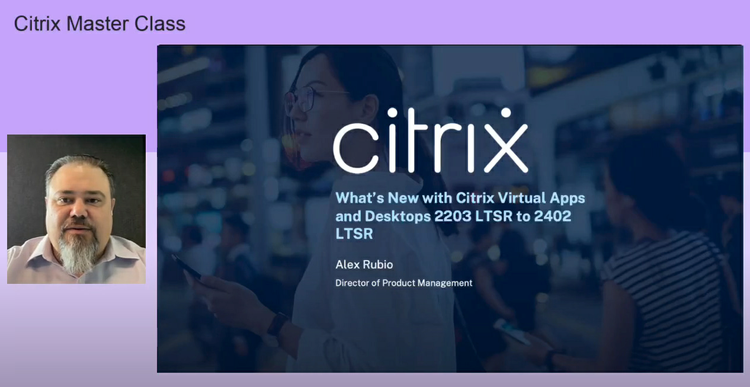
Welcome to our Citrix Master Class hub for everything you need to know for the upcoming Citrix Virtual Apps and Desktops Long Term Service Release (LTSR). As we approach the End of Life date for the Citrix Virtual Apps and Desktops 1912 LTSR at the end of this year, now is the time to prepare for what’s next. Planning and executing upgrade plans can be challenging, especially in large environments. This Master Class will prepare you for the move to our upcoming LTSR.
You can view the entire on demand webinar on this page, as well as additional resources and product documentation links.
Master Class on demand:
Supportability for on-premises deployments
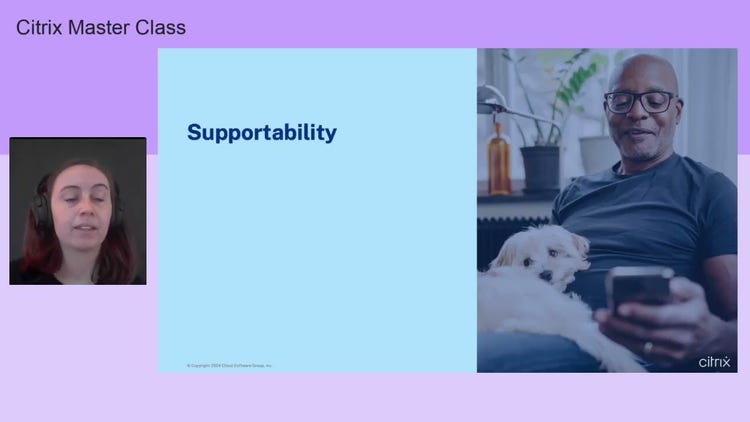
The first step in your upgrade path is to check compatibility for your entire environment. This includes checking end of life dates and supportability for operating systems, hypervisors, SQL databases, and any other software you use with your Citrix deployment. Our Master Class details what versions are compatible with the new Citrix Virtual Apps and Desktops version to help you get a head start on your upgrade.
Related resources:
Supported Databases for Virtual Apps and Desktops AND Citrix Provisioning (PVS)
Supported Hypervisors for Citrix Virtual Apps and Desktops (MCS) and Citrix Provisioning (PVS)
Migration paths for on-premises deployments
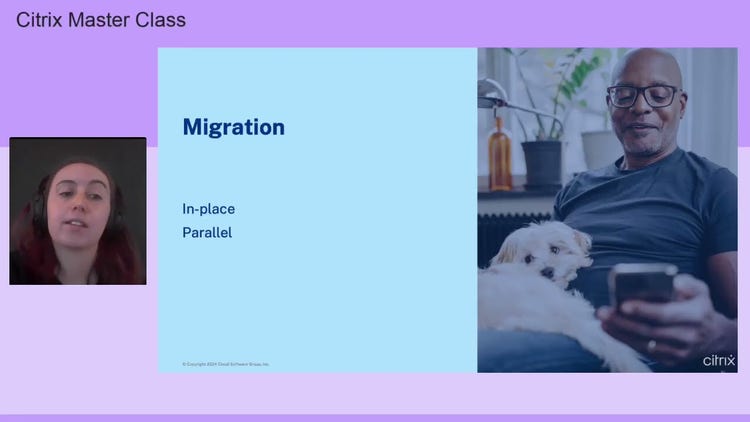
Once you’re ready to upgrade, you’ll need to decide on an upgrade path. The two common paths, in-place and parallel upgrades, require different strategies. In our Master Class, we break down how to perform an in-place upgrade following the supported order and share best practices on performing a parallel upgrade, plus considerations for each upgrade path.
Related resources:
Tech Paper: CVAD LTSR Parallel Migration | Citrix Tech Zone
Tech Paper: End-User Communications | Citrix Tech Zone
PoC Guide: Automated Configuration Tool | Citrix Tech Zone
Design Decision: Designing StoreFront and Multi-Site Aggregation
Upgrade a deployment | Citrix Virtual Apps and Desktops 7 2311
What’s new in Citrix Virtual Apps and Desktops
Upgrading your environment also means you get access to the latest and greatest features from Citrix. This version of Citrix Virtual Apps and Desktops will include features for improved workload and device flexibility, operational and IT efficiency, security and compliance, and end user experience. Our Master Class includes detailed information on the following new features and how you can leverage them:
Web studio for on premises
Autoscale for on premises
Citrix Workspace app for Windows
HDX improvements
New StoreFront interface
Related resources:
Citrix Features Explained: Citrix Workspace app (2:03)
Citrix Features Explained: Citrix Virtual Apps and Desktops Web Studio (1:47)
On-premises Citrix Secure Private Access and Autoscale webinar